Overview
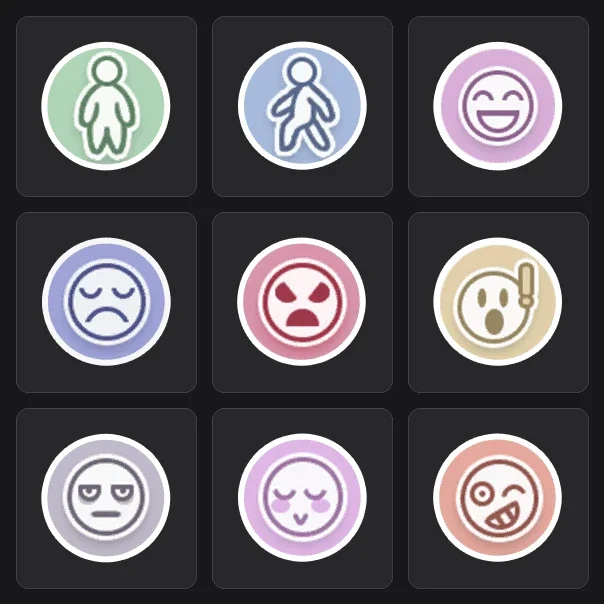
Players can combine hundreds of parts to build a personalized desktop companion suited for daily desktop use. Varied animated movements and facial expressions allow each pet to display unique personality on screen.
Companion Modes
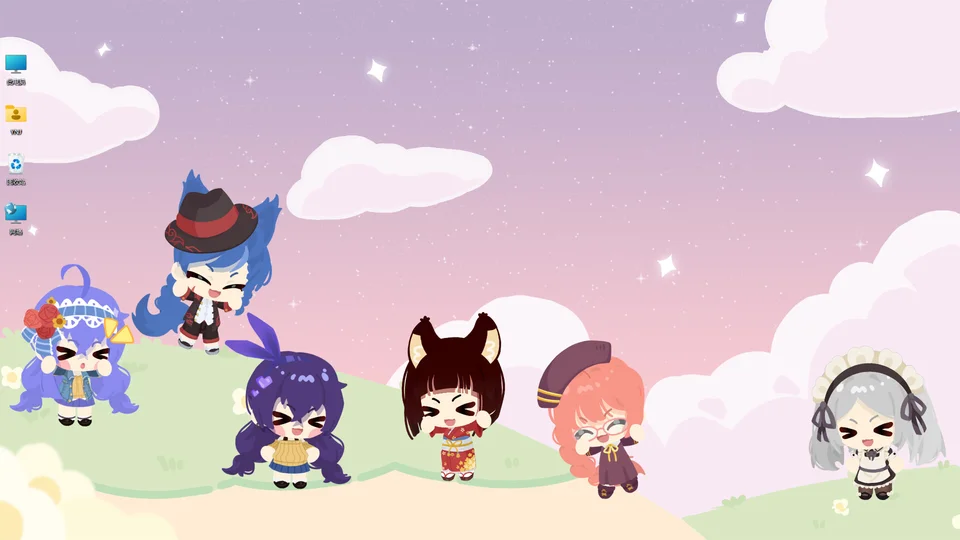
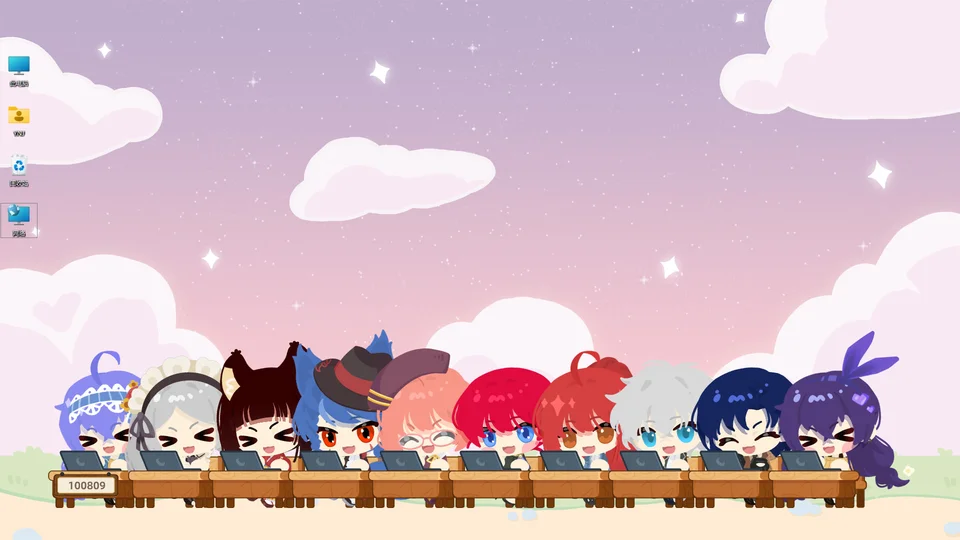
In Standing Mode, the pet simply remains in place while occasionally wandering around the monitor. When configured in Sit-in-a-Row Mode, your companion joins your workspace at a desk and responds alongside each keystroke. Characters can sit alongside your desktop activities while synchronizing with typing actions or observing from a screen edge. With Hiding in the Corner enabled, the character lurks near desktop borders to observe quietly without obstructing active windows. Players can utilize typing mode to return several companions into alignment simultaneously or direct them toward desktop boundaries.
Display and Settings
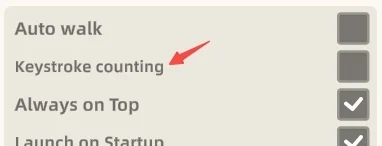
When this setting is toggled, your companion ceases synchronizing animations with active keystrokes. Users can freely turn tracking back on at any point after disabling. Whether active or turned off, the game never records what you type because the counter increments by 1. During startup onboarding, counting remains inactive until the user explicitly agrees to begin tracking. In addition, the game transmits no network traffic outside of Steam communication and the Unity SDK.
Controls and Features
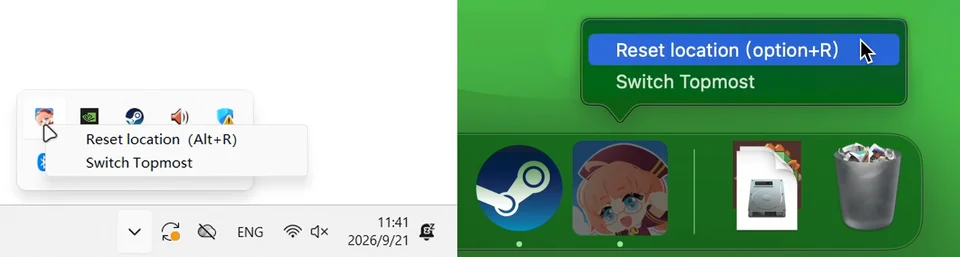
Players can select 30, 60, or uncapped refresh limits under frame rate options to reduce computer load. If a companion ever slips off your display, a single click from the taskbar restores the mascot to your desktop. Holding a right-click and dragging makes the companion obediently follow your mouse cursor across your monitor.