Overview
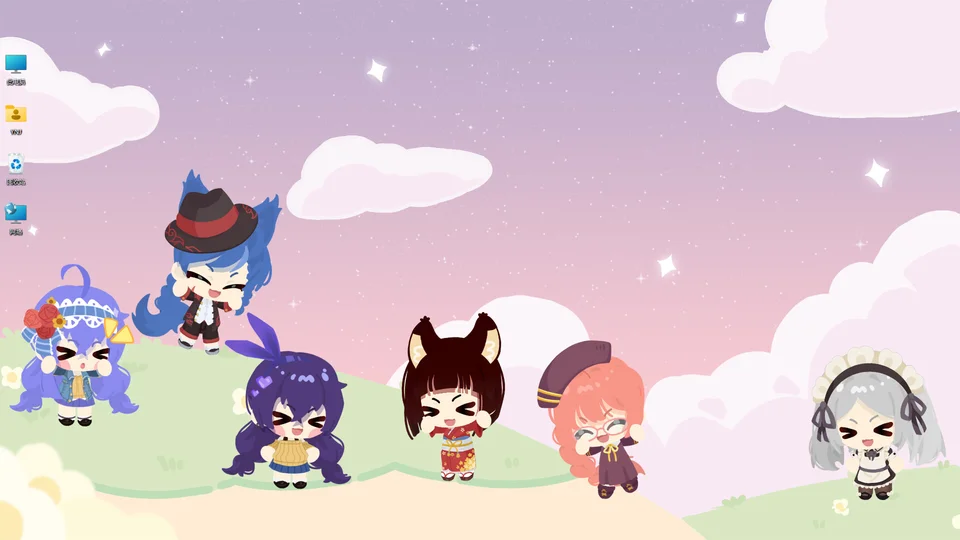
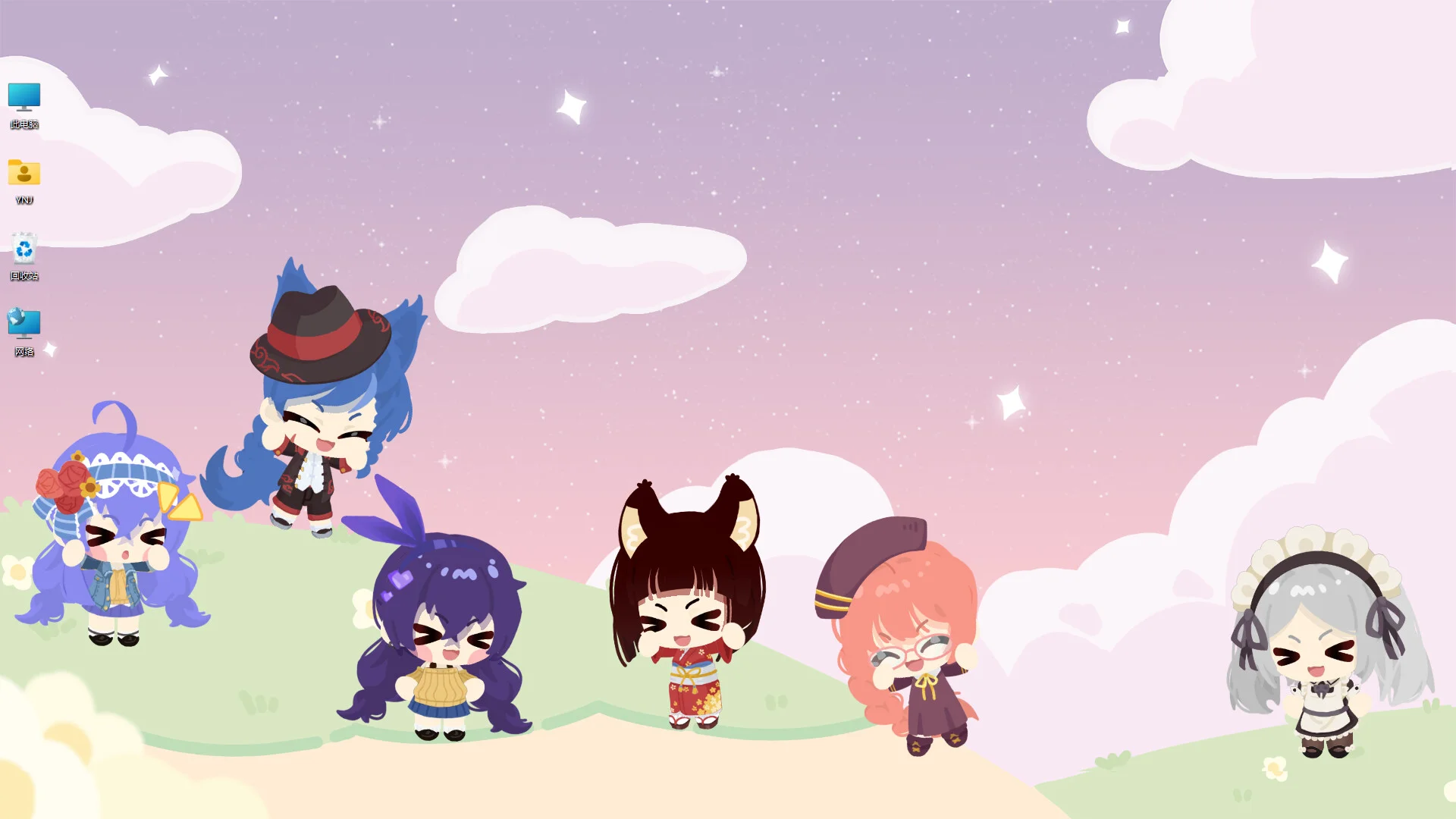
Character House allows players to create an animated desktop companion that lives on their computer screen. Players can customize parts to assemble an animated pet that wanders across their monitor or sits quietly while they work.
Tutorial
| Step | Next | Exp | Dialogue |
|---|---|---|---|
| 1001 | 1002 | 15 | “Ah, why am I all naked?!” |
| 1002 | 1003 | 0 | “Here you can set my skin tone and appearance” |
| 1003 | 1004 | 0 | “Look, a gift! Let’s open it!” |
| 1004 | 1005 | 0 | “Use the menu on the left to switch to Dress Up” |
| 1005 | 1006 | 15 | “Right-click me, and I can keep [What They Call You] company while typing” |
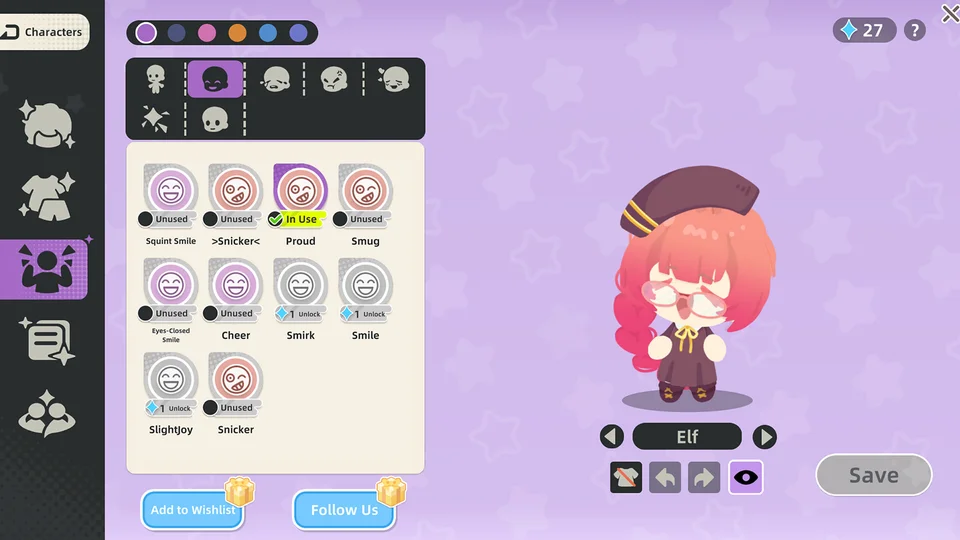
| 1006 | 0 | 0 | “You got 1 Character Skill Point for leveling up! Go unlock a Happy Expression~” |
Level advancement awards points with “You got 1 Character Skill Point for leveling up!”.