Overview
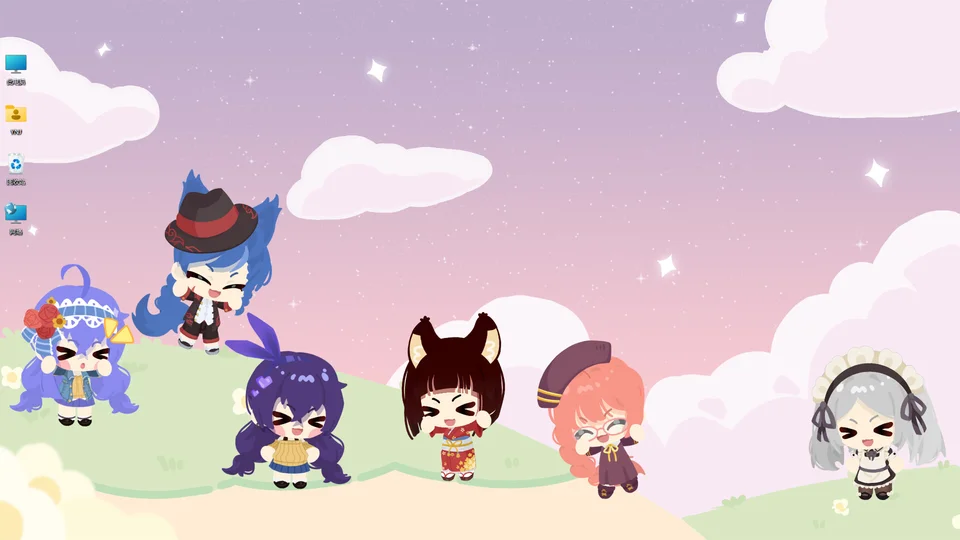
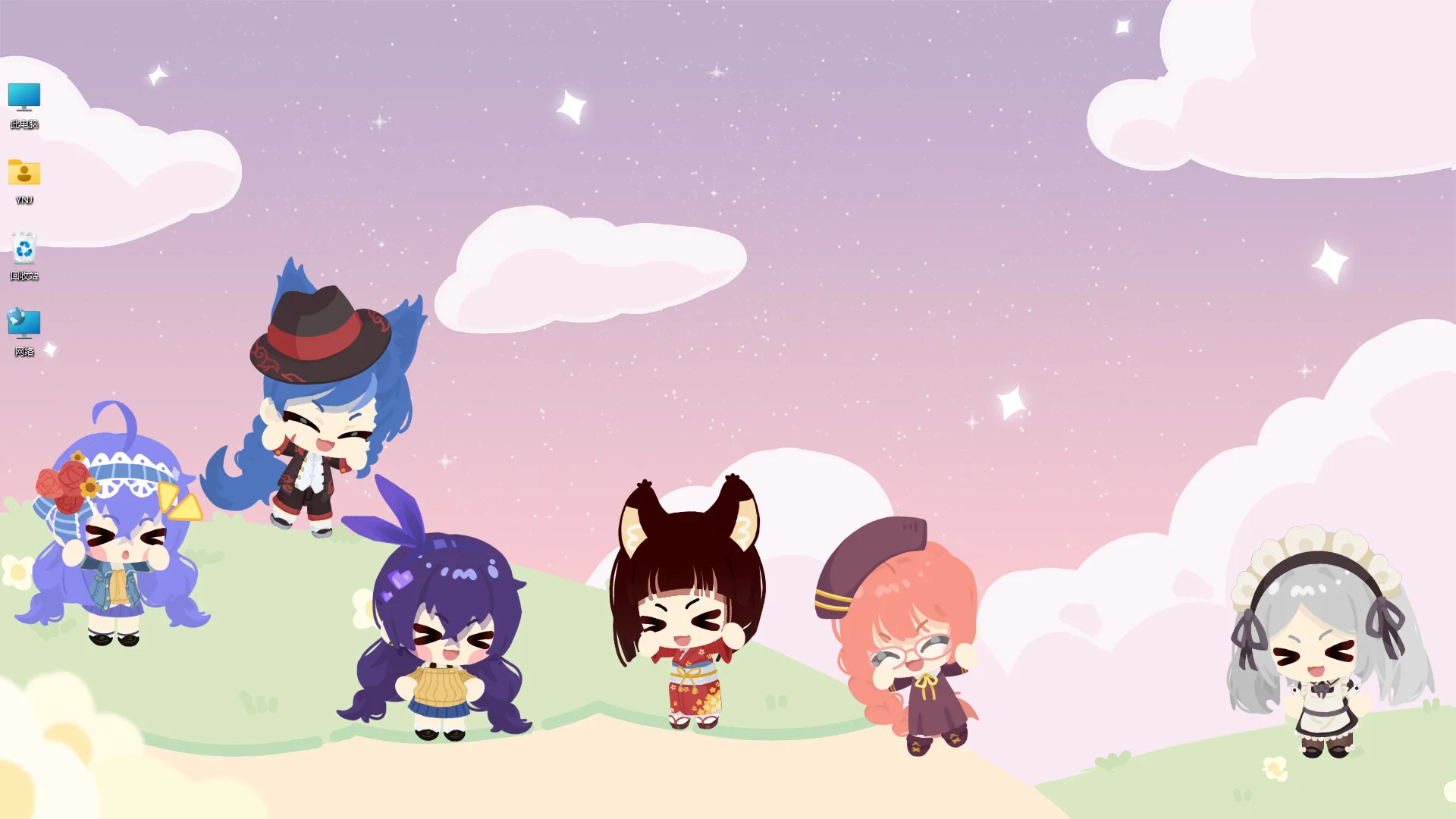
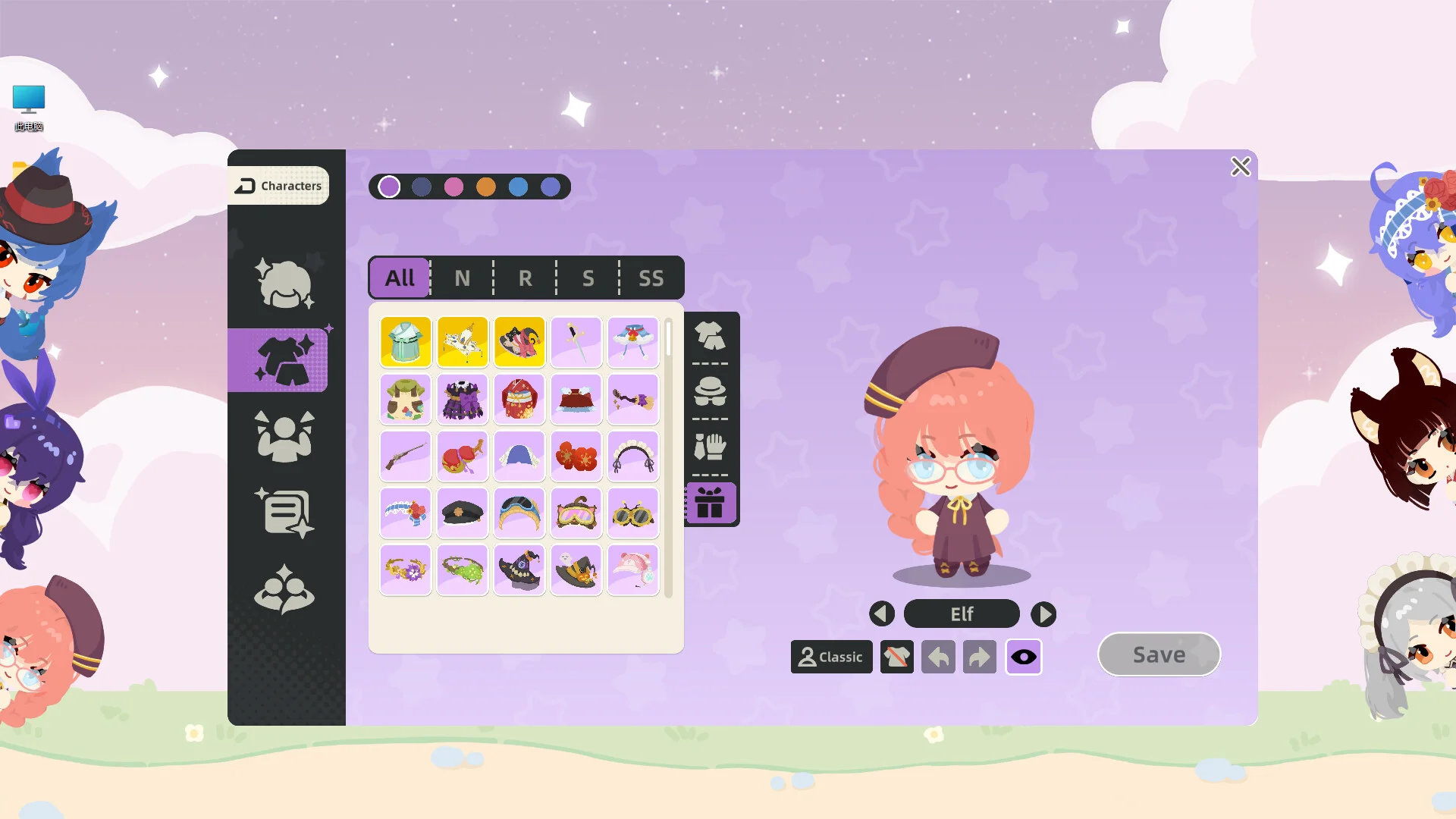
Character House allows players to create an animated desktop companion that lives directly on their computer screen. Players can combine hundreds of parts to assemble an animated companion that sits quietly or wanders across the monitor while working.
Beginner Tutorial
| Step | Next | Exp | Dialogue |
|---|---|---|---|
| 1001 | 1002 | 15 | “Ah, why am I all naked?!” |
| 1002 | 1003 | 0 | “Here you can set my skin tone and appearance” |
| 1003 | 1004 | 0 | “Look, a gift! Let’s open it!” |
| 1004 | 1005 | 0 | “Use the menu on the left to switch to Dress Up” |
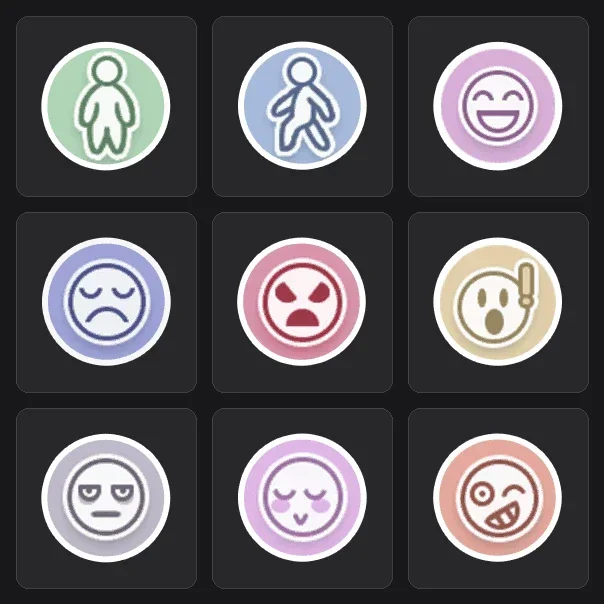
| 1006 | 0 | 0 | “You got 1 Character Skill Point for leveling up! Go unlock a Happy Expression~” |
Desktop Modes and Controls
In Standing Mode, your companion remains stationed on the desktop while wandering around the screen periodically. When switched to Sit-in-a-Row Mode, your pet sits beside you and reacts in rhythm with typing activity. With Hiding in the Corner selected, your pet rests at the monitor edge without obstructing active windows.
If a companion wanders out of view, a single click from the taskbar immediately restores them to your screen. Players can manage visibility using the taskbar pin toggle to turn Always on Top on and off quickly. Performance options include frame rate selection for 30, 60, and unlimited FPS to control PC load. Holding a right-click and dragging makes the companion obediently follow your mouse cursor. Players can access the settings menu to enable the Disable Counter toggle if they wish to halt keyboard synchronization. Engaging with companions while Silent Mode is off ensures dialogue bubbles and interaction opportunities continue triggering experience gains.
Customization and Parts
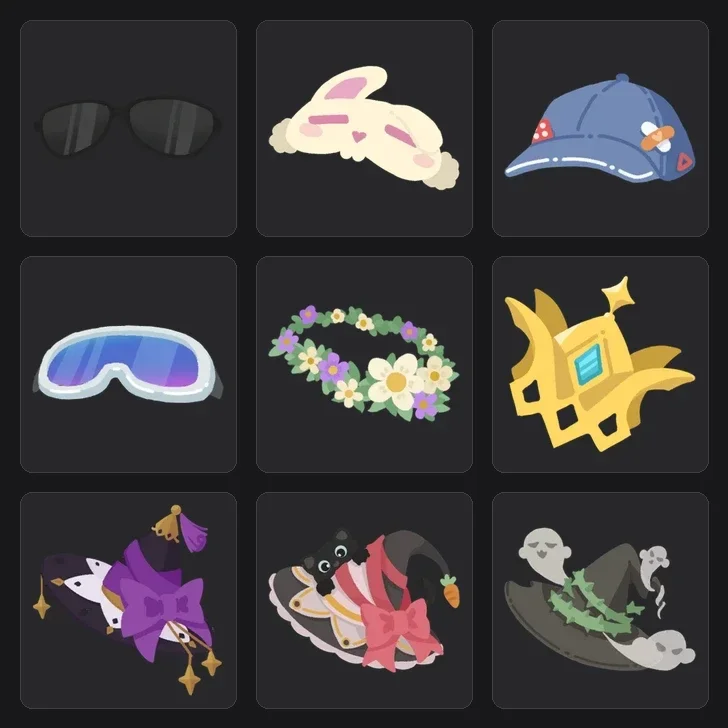
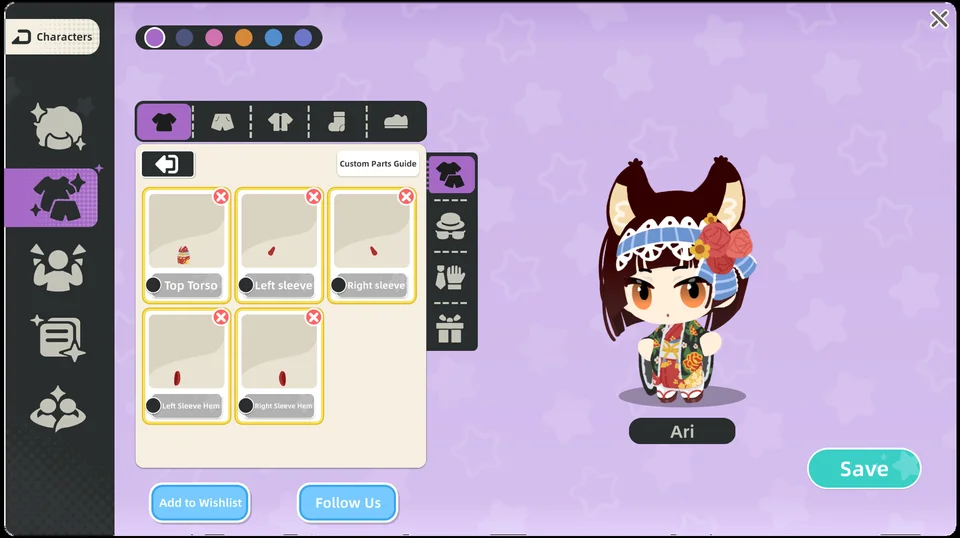
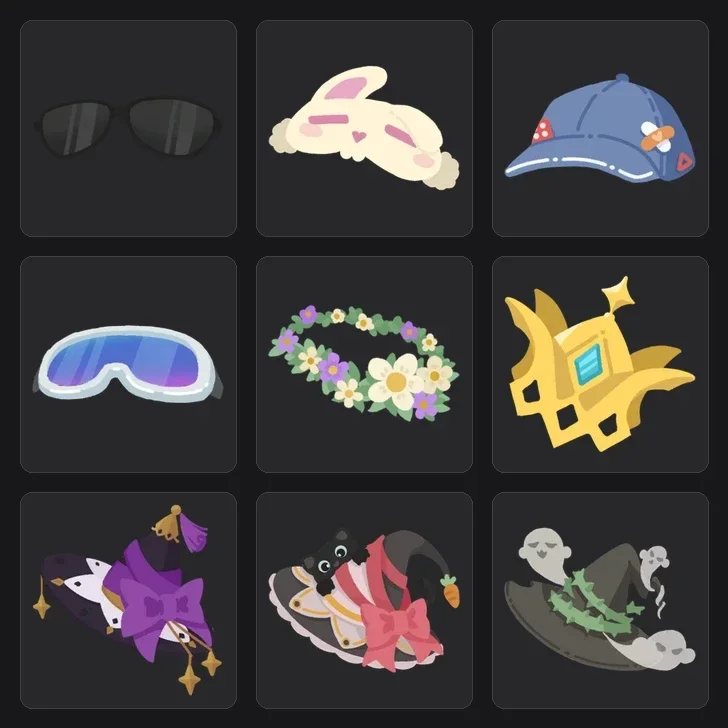
Players can combine hundreds of parts to customize a unique companion.
Card Packs and Rarities
Card Pack 1 contains 26 total items distributed across four rarity tiers. Card Pack 2 contains 27 total items distributed across rarity tiers.
| Rarity | Chance | Trade-in |
|---|---|---|
| Common | 89.86% | 400 |
| Rare | 9.5% | 100 |
| Epic | 0.6% | 5 |
| Legendary | 0.04% | 1 |
Imagination Events and Daily Schedules
Active time windows include 06:00-08:00, 08:00-10:00, 12:30-14:00, 14:00-18:00, and 19:00-21:00. Selecting an option during events awards 45 experience points.
| Event type | Priority | Cooldown | Maximum wait |
|---|---|---|---|
| Normal | 1 | 7200 | 0 |
| Question | 2 | 1800 | 0 |
| Choice | 3 | 3600 | 0 |
| Topic | 4 | 10800 | 0 |
| Food | 5 | 21600 | 1800 |
| Sleep | 6 | 14400 | 1800 |
| Create role | 7 | 0 | 0 |
Personality Settings and Pose Unlocks
Acquiring new animation stances such as Stand costs 1 skill point. Configuring custom dialogue topic fields like Nickname likewise costs 1 skill point.