Overview
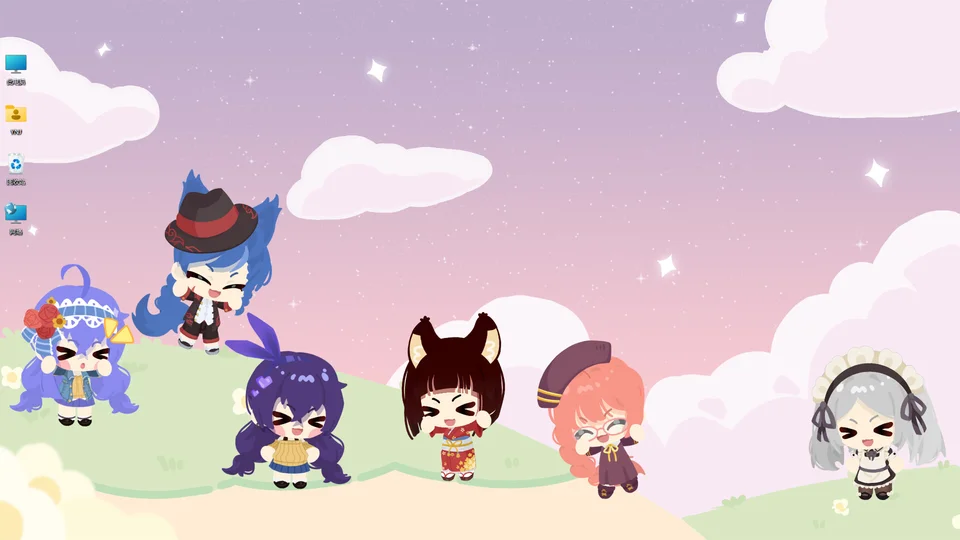
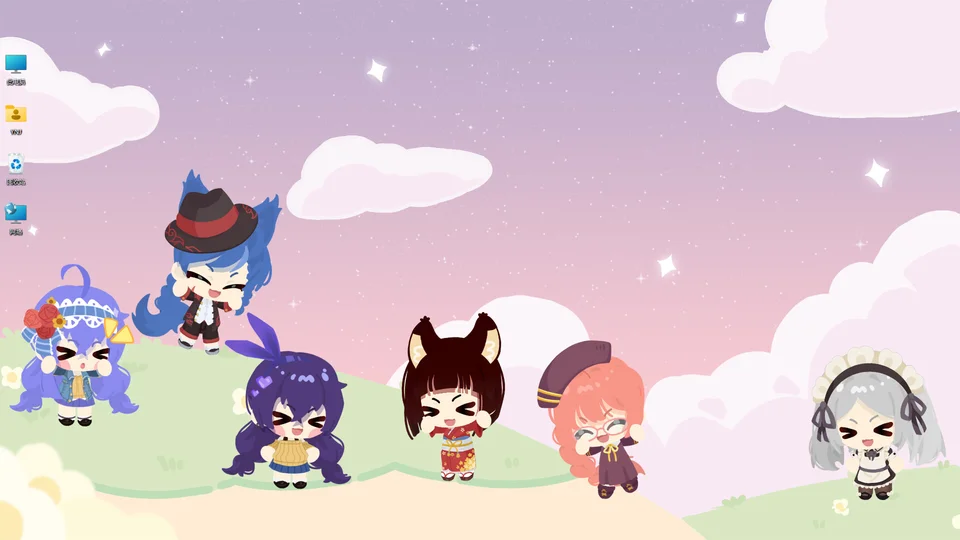
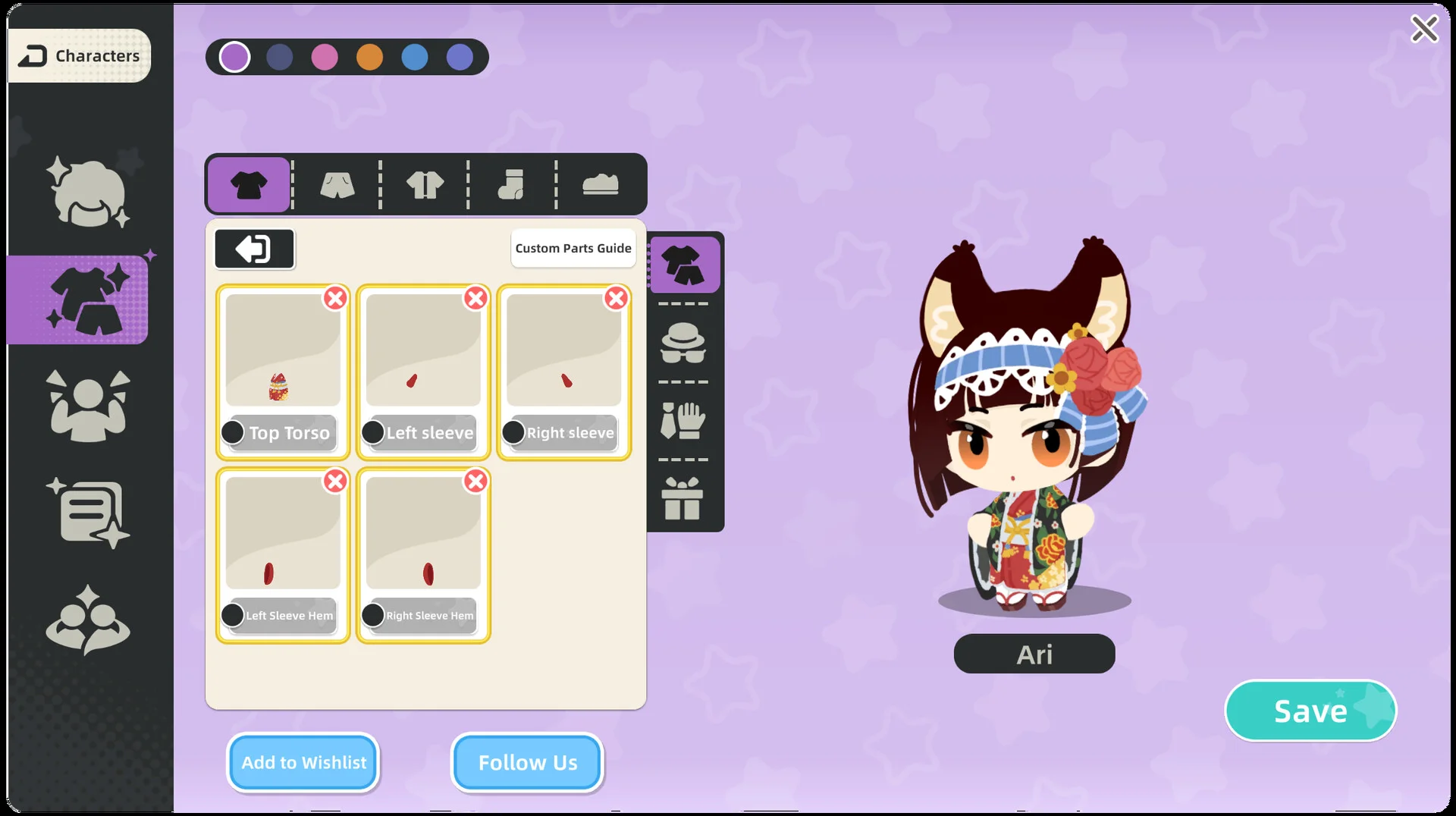
Character House allows players to mix and match hundreds of modular parts to create a personalized desktop pet that accompanies daily computer activities. Every modular part uses the starter set as its source.
Part Categories and Sub-Types
The companion wardrobe organizes modular parts across six distinct categories.
| Category | Parts | Sub-Types | Colour Slots |
|---|---|---|---|
 Hairstyle |
440 | 8 | 5 |
 Facial Features |
373 | 9 | 4 |
 Clothing Tops |
215 | 5 | 10 |
 Bottoms & Footwear |
151 | 3 | 6 |
 Accessories |
79 | 5 | 4 |
 Furry |
37 | 3 | 4 |
Hairstyle Category
The Hairstyle category includes 440 parts distributed across 8 sub-types.
| Sub-Type | Parts |
|---|---|
| Ahoge | 48 |
| Back Hair | 67 |
| Front Hair | 99 |
| Hair Highlights | 120 |
| Hair Shine | 26 |
| Plaits | 30 |
| Ponytail | 20 |
| Temple Hair | 30 |
Facial Features Category
The Facial Features category includes 373 parts distributed across 9 sub-types.
| Sub-Type | Parts |
|---|---|
| Beard | 14 |
| Ears | 6 |
| Eyebrows | 27 |
| Eyelashes | 23 |
| Eyes | 19 |
| Lower Eyeliner | 19 |
| Mouth | 11 |
| Pupil | 13 |
| Scar | 241 |
Clothing Category
The Clothing category includes 215 parts distributed across 5 sub-types.
| Sub-Type | Parts |
|---|---|
| Back Accessory | 9 |
| Clothing Decor | 29 |
| Gloves | 25 |
| Outerwear | 36 |
| Top | 116 |
Accessories Category
The Accessories category includes 151 parts distributed across 3 sub-types.
| Sub-Type | Parts |
|---|---|
| Pants | 66 |
| Shoes | 44 |
| Socks | 41 |
Headdress Category
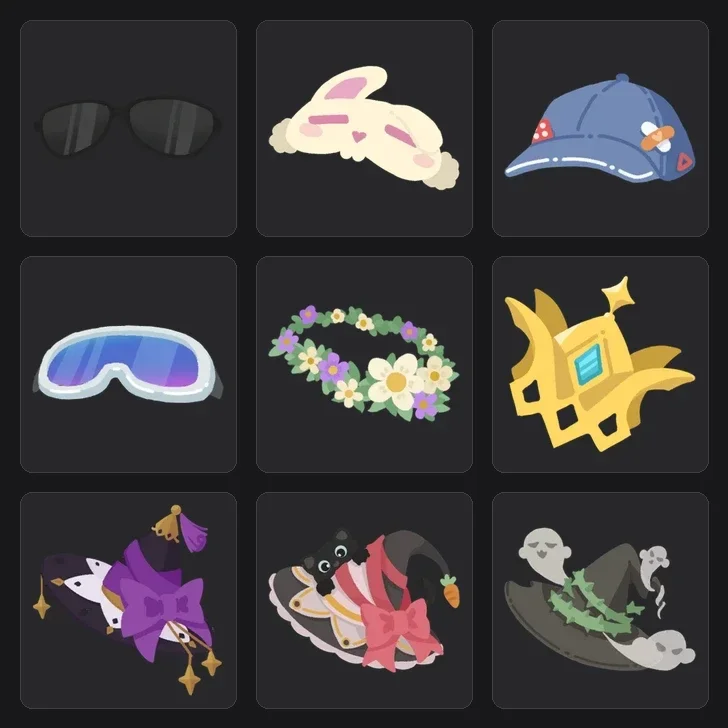
The Headdress category includes 79 parts distributed across 5 sub-types.
| Sub-Type | Parts |
|---|---|
| Earrings | 10 |
| Face Accessory | 21 |
| Hair Accessory | 25 |
| Hat | 8 |
| Mask | 15 |
Furry Category
The Furry category includes 37 parts distributed across 3 sub-types.
| Sub-Type | Parts |
|---|---|
| Animal Ears | 13 |
| Tail | 10 |
| Wings | 14 |
Color Customization and Gradients
Clicking the palette icon in the upper section of the color card allows players to save frequently used colors for quick access. Color value entries positioned beneath the palette card support manual input for precise color choices. Recent updates fixed an earlier problem that prevented adjusting companion ear colors.
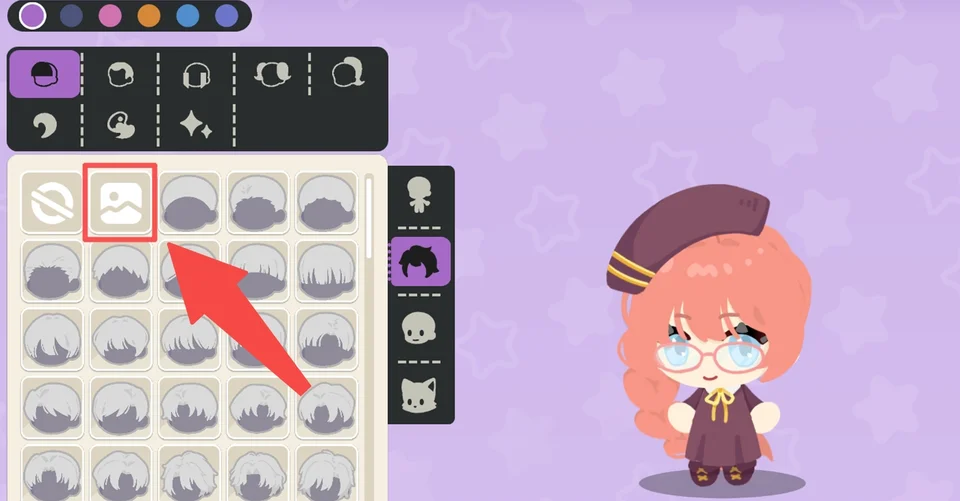
Custom Uploads and Creator Policies
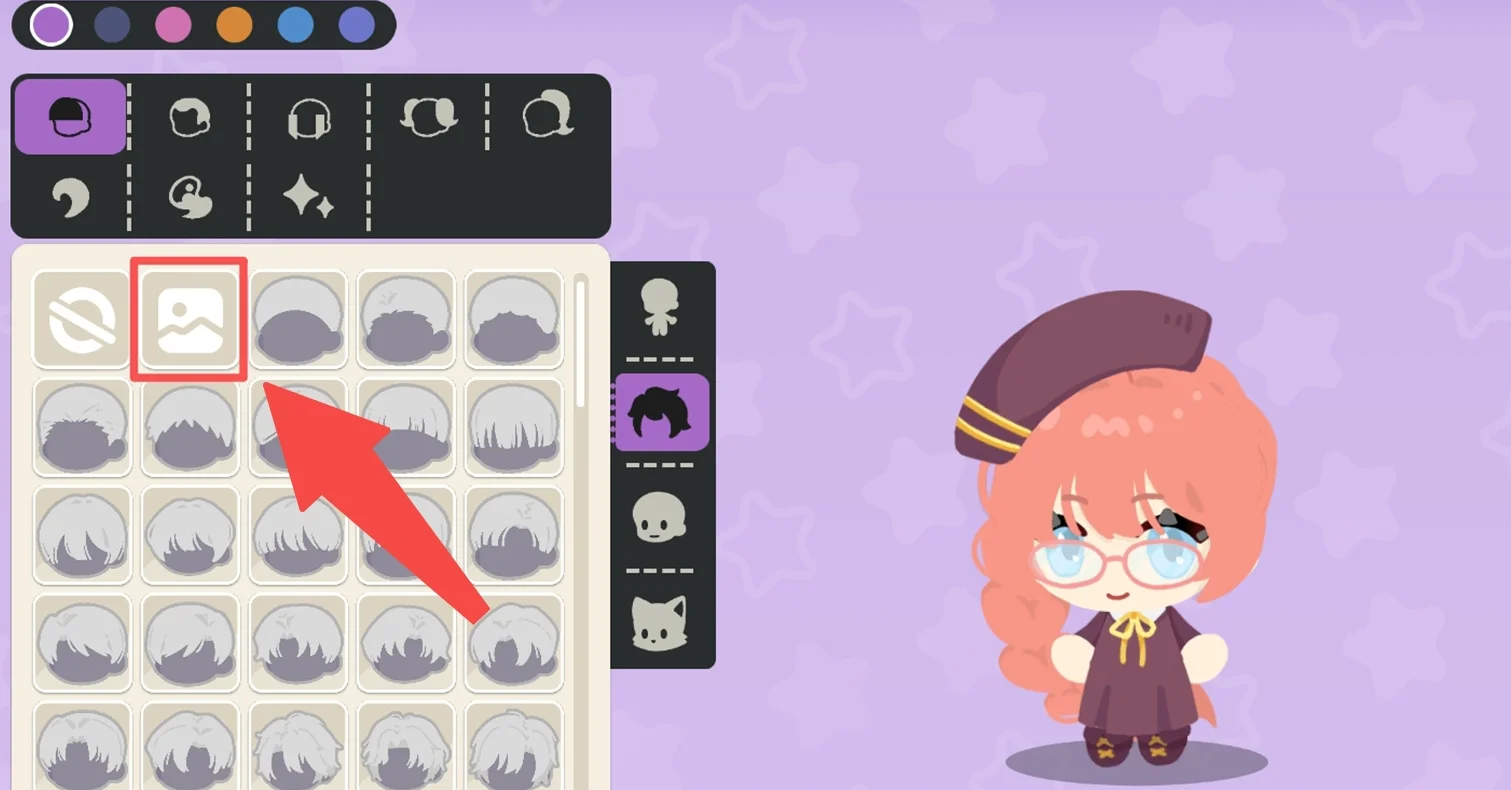
Players can use the custom upload system to build distinct character parts and personalize their companion. Available customization options cover nearly all categories, including hairstyles, facial features, outfits, and accessories. Guidance and asset templates can be reviewed through the custom tutorial provided directly inside the game. Community artists retain copyright over all works built through the custom system, ensuring the studio will not use submissions without consent. For detailed asset specifications, commission rules, and save reset steps, see the custom upload guide.