Overview
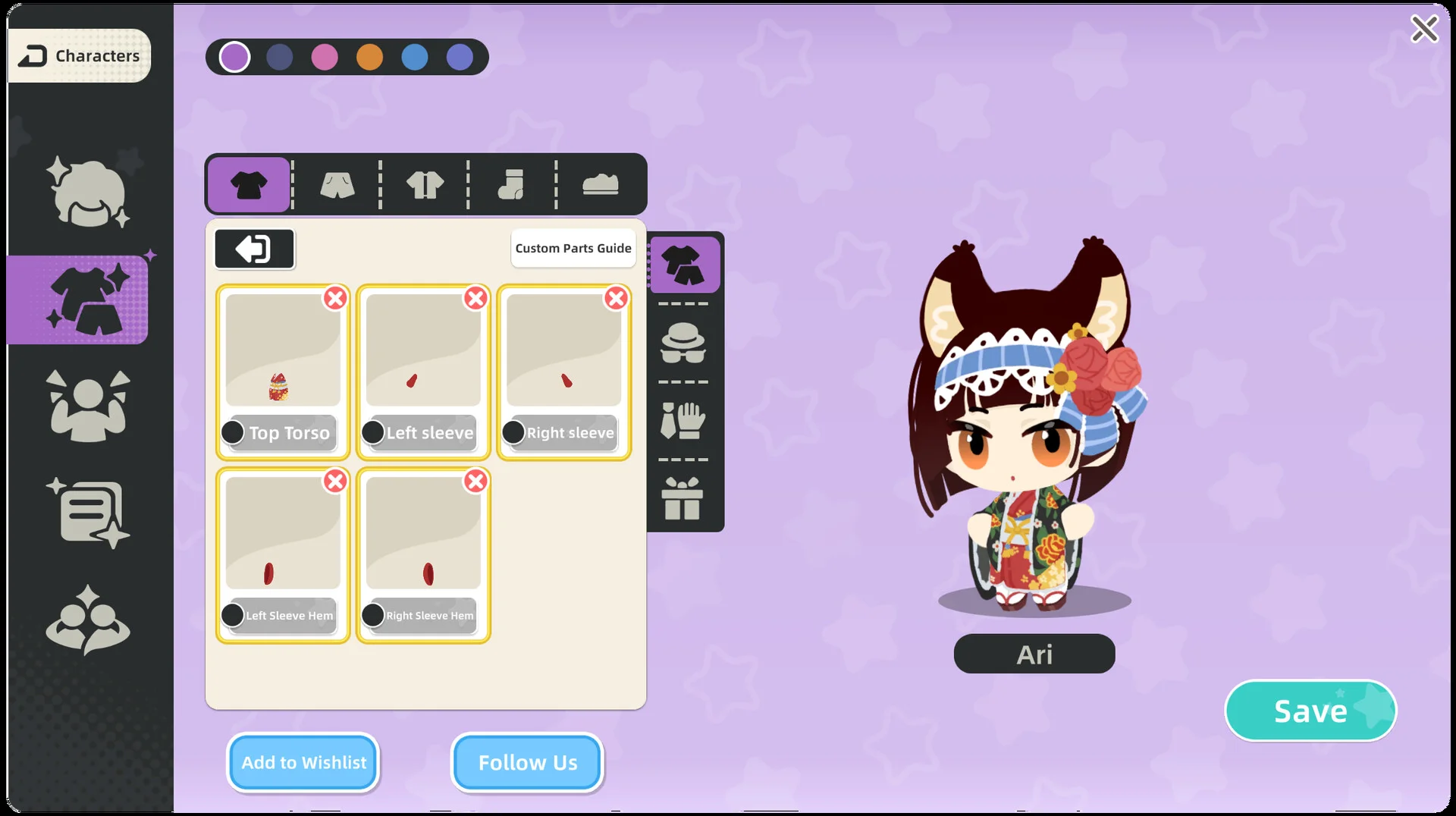
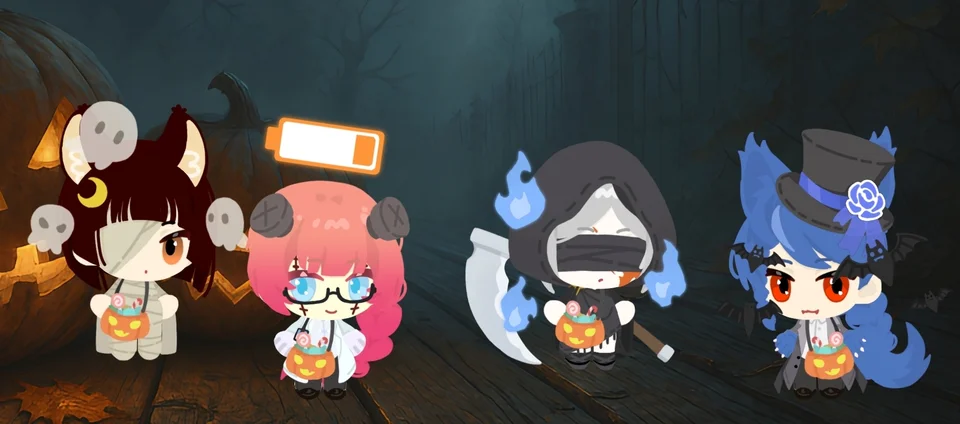
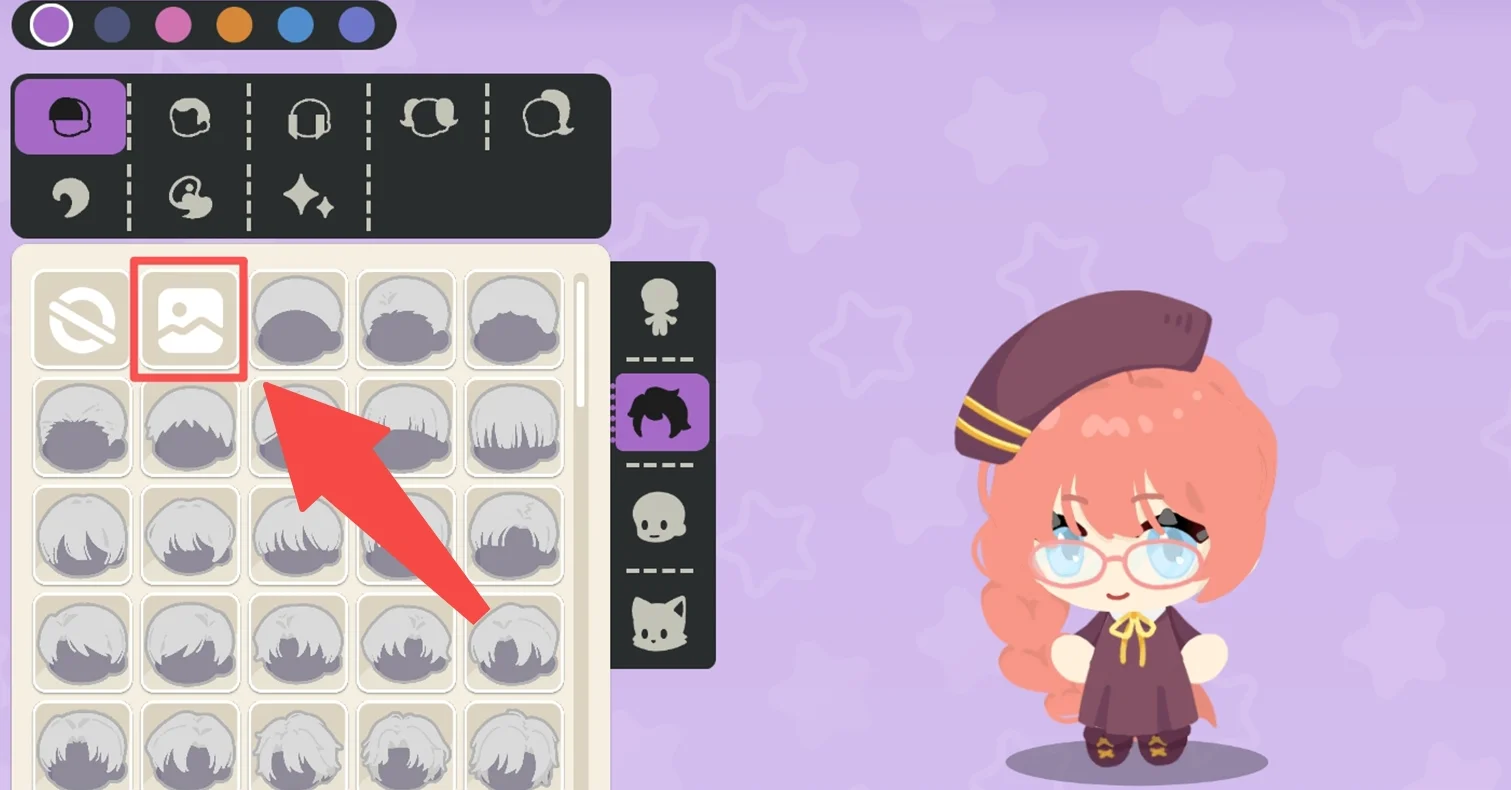
The companion demo supports the Custom Upload feature so players can create each individual piece to personalize their mascot. Creators can test almost all categories, including hairstyles with  Hairstyle, facial features with
 Facial Features, outfits with
 Clothing Tops, and accessories with
 Accessories. Detailed instructions and asset templates are accessible through the in-game tutorial or the developer tutorial web address.
Policies and Save Recovery
The development team encourages creativity and invites creators to tag the developer account for community showcase opportunities. Community artists retain copyright over all works built through the custom system, and the developers will not use submissions without consent. Players are permitted to arrange private commission agreements, and the studio does not interfere with peer trades. All transaction disputes must be handled at the participants’ own responsibility through mutual negotiation without developer mediation.
The studio provided a dedicated reset function so users blocked by damaged save files can restore access and continue playing. Anyone encountering disrupted save files receives an in-game alert explaining what specific information was lost. Depending on the affected file, three potential outcomes can occur: “loss of gifts”, “loss of character customization data”, or “loss of player settings”. The developers also optimized the saving routine to lower the frequency of corrupted data.