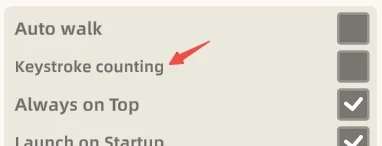
To disable the keystroke counter in Character House, open the settings menu and switch off the keyboard and mouse counter option.
Disabling the Counter in Settings
If you ever wish to resume tracking, you can reactivate the counter whenever you choose.
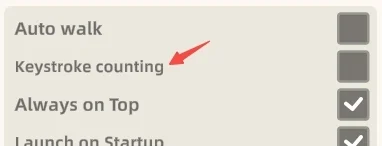
Companion Keystroke Synchronization
When the counter is switched off, your companion stops synchronizing animated typing reactions with your active keystrokes.
Onboarding Agreement and Privacy Protection
During the initial onboarding process, keystroke tracking remains inactive until you give explicit consent to begin counting. Whether the feature is enabled or disabled, the game never records what you type, because the counter simply increments by 1.