Players can configure frame rate limits inside the settings interface to reduce computer load, choosing between 30, 60, and unlimited FPS options.
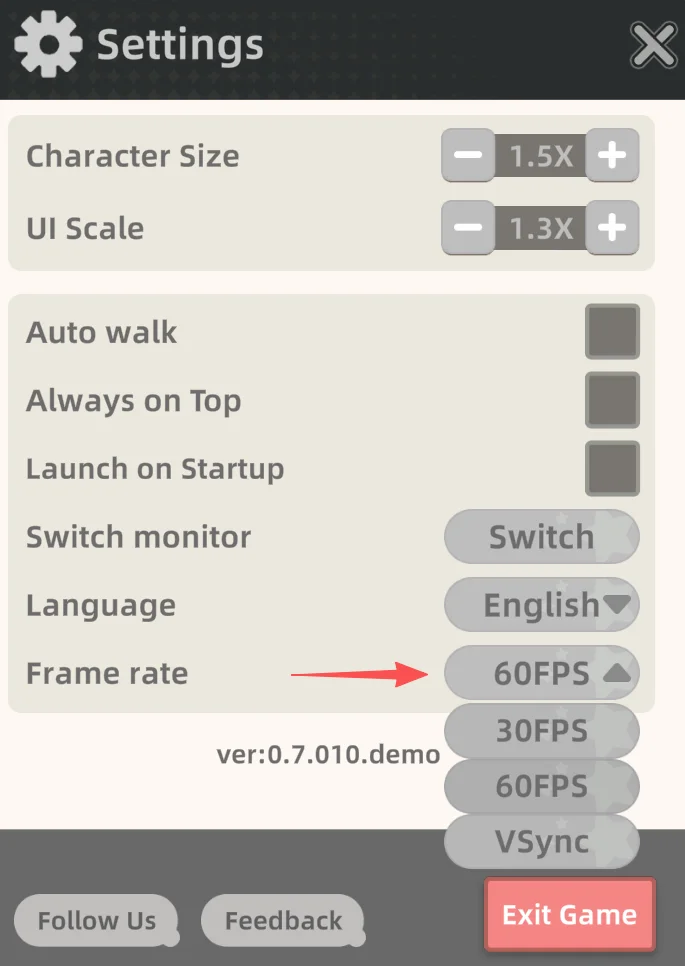
Adjusting Frame Rate Settings
Added frame rate options help reduce the load on your PC.
Modifying Character Size and Window Scale
Dragging the companion after a right-click makes them obediently follow your mouse across the desktop.
Positioning Controls and Related Guides
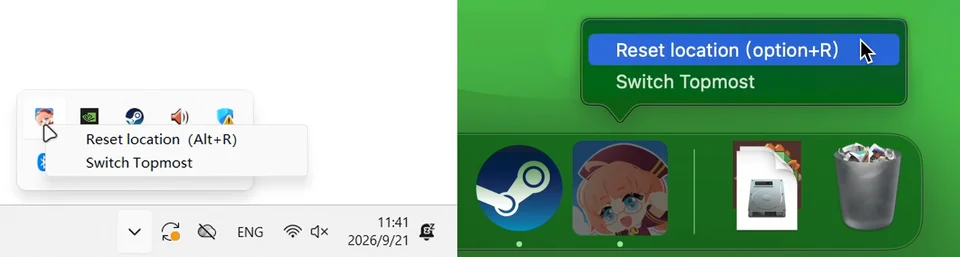
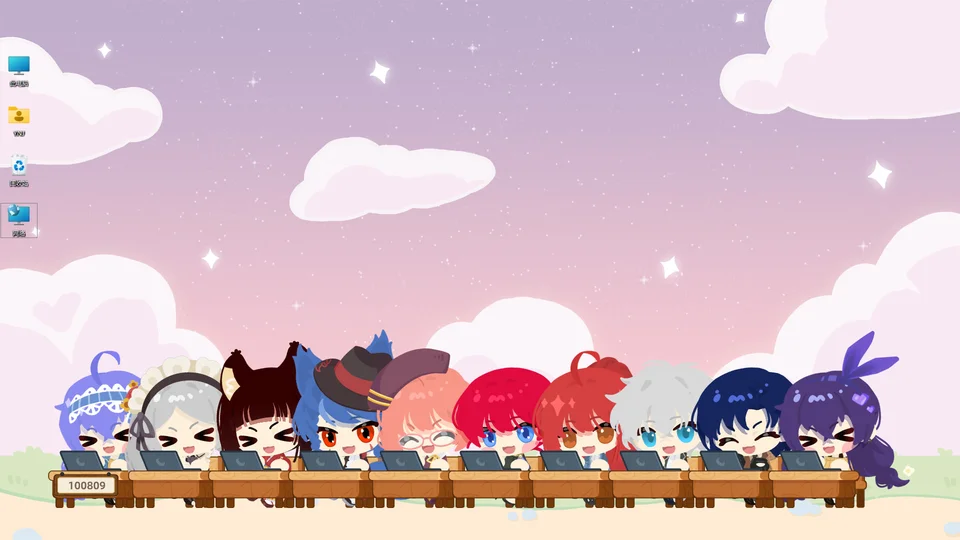
If your mascot accidentally slips past display borders, you can restore them with a single click from the taskbar. Players can also use typing mode to reposition multiple companions back into alignment simultaneously.